
Studio Notes
The Best Field Recording Apps for iPhone and iOS
2026-11-14
A short guide to the best field recording apps for iPhone — from clean capture tools like Just Press Record, MOTIV, and Field to Terrane, which can record a place as it is or reshape it into something new.
The iPhone is the field recorder most people already carry. The built-in mics are better than they get credit for, and the right app turns them into something you can actually use: higher resolution files, better gain control, tags, location, and a quick way to start recording before the moment passes.
Most of the apps below are for capturing a place cleanly. A couple are for editing or understanding what you recorded once you get home. Terrane does both: it can record the room as it is, or turn what it hears into something else.
Terrane

Terrane listens to where you are and plays it back through your headphones. In Field mode with Neutral switched on, it works as a plain field recorder and saves takes as 24-bit WAV files you can export to Files, AirDrop, or another app. You can also use your Apple Watch as a remote microphone: set it down across the room and listen on your iPhone.
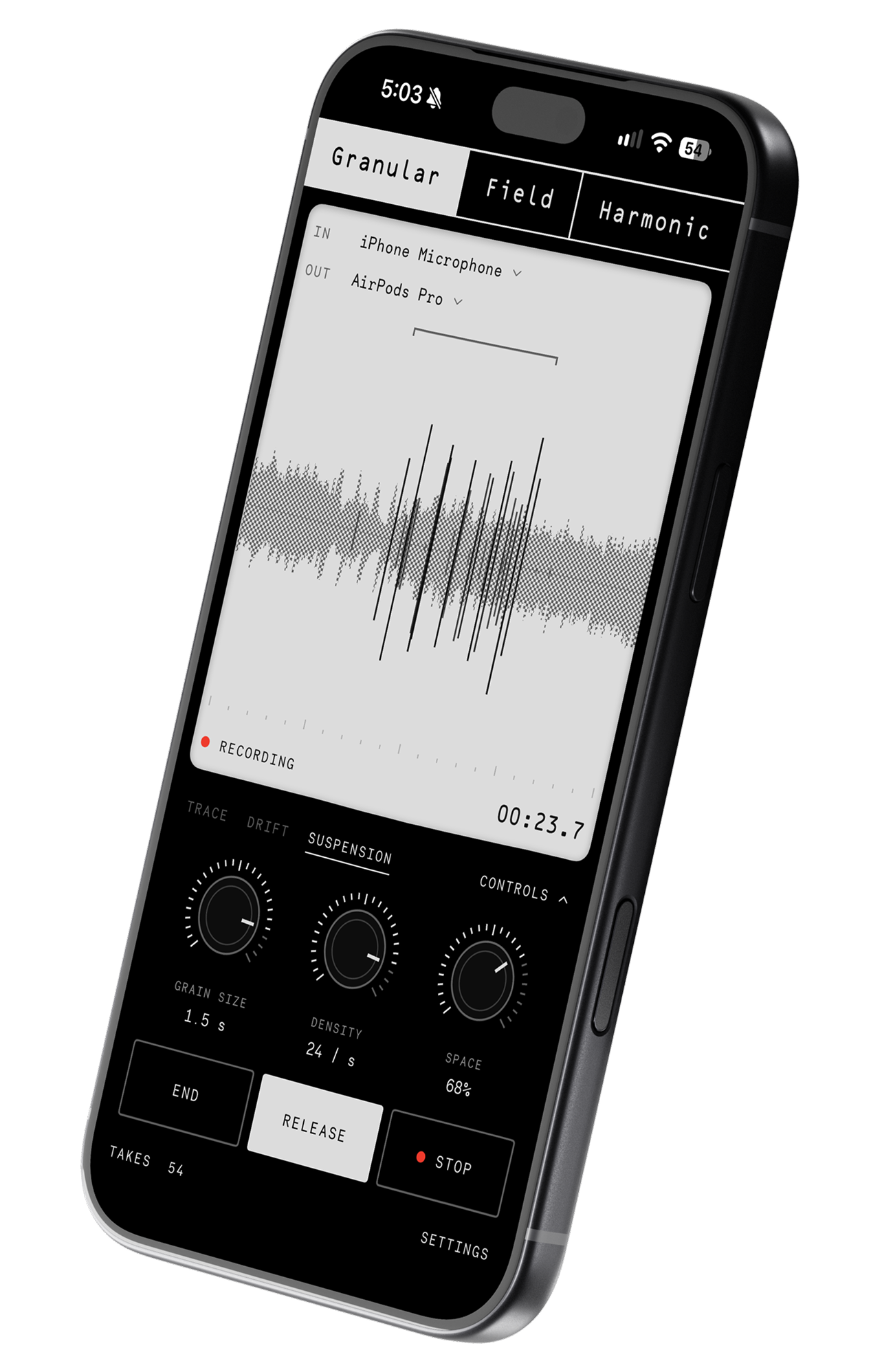
The other modes are where it differs from every other app here. Granular turns the last twenty seconds into overlapping fragments and drifting textures. Harmonic pulls pitches out of the room and builds a slow soundbed in a scale you choose. A fan, traffic, or rain becomes the source material, and you can record the result too.
App Store: Terrane
Field. — Field Recorder
Field is built for people who record places. It captures true stereo from the built-in mics at up to 96kHz/32-bit, then tags what it hears on-device: birds, wind, rain, traffic, voices. Every recording is geotagged with the weather at the time, and you can export straight to Freesound. Pro is a one-time purchase that adds pre-roll, iCloud sync, and Reaper export.
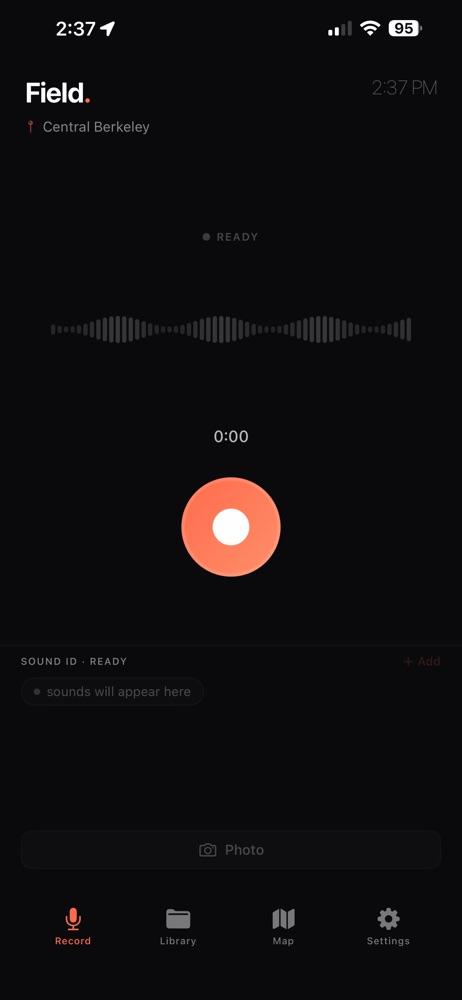
App Store: Field. — Field Recorder
Just Press Record

Just Press Record does what the name says: one big button, and you are recording. It syncs through iCloud, transcribes on-device, and has a good Apple Watch app, which makes it easy to grab a sound without getting your phone out. It is the fastest way here to catch a sound, and not much more than that.
App Store: Just Press Record
MOTIV Audio — Shure
Shure's free recorder works with its MOTIV microphones and with the iPhone's own mic. You get manual gain, mic presets, and uncompressed WAV recording. If you plan to add an external mic later, it is a good free place to start.
App Store: MOTIV Audio
Voice Memos — Apple
Voice Memos is already installed, and it is better than it used to be. It has lossless recording, Enhance Recording to cut background noise, and trimming. It is the baseline every other app here has to beat, and often it is enough.
App Store: Voice Memos
TwistedWave Audio Editor
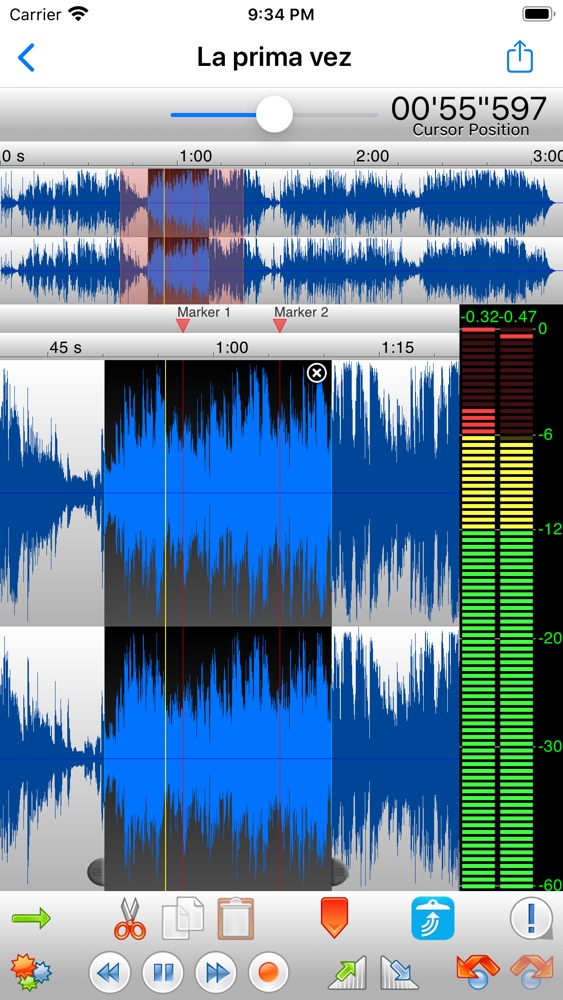
TwistedWave is a waveform editor for after you get home. You can trim, fade, normalize, and apply effects to your takes, then export them in the format you need. It is fast and precise, and it does not try to be a full DAW.
App Store: TwistedWave Audio Editor
Spectrogram Pro
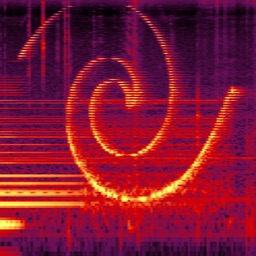
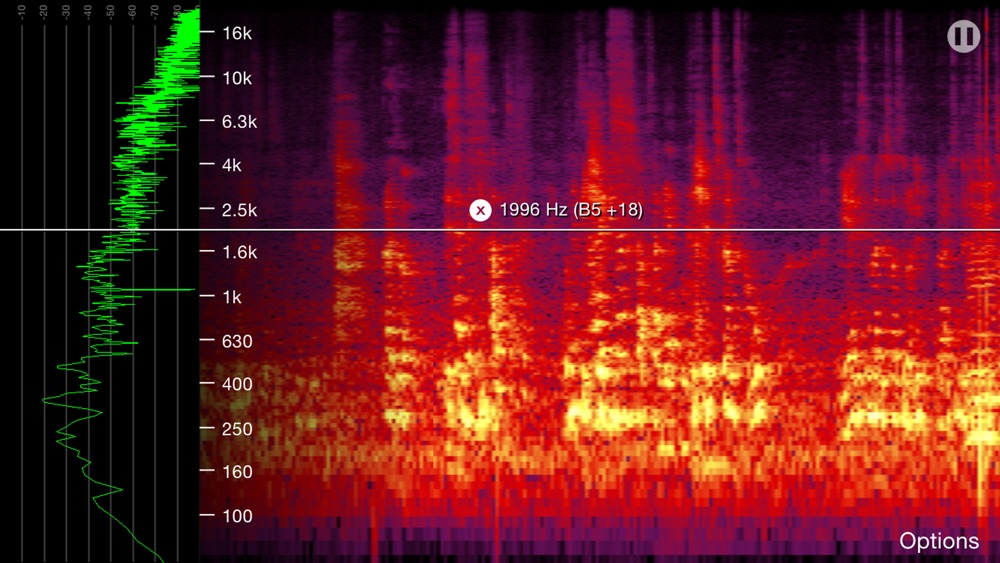
Spectrogram Pro draws the sound around you as a scrolling real-time spectrogram. It does not record anything. It lets you see what is in a space before you press record: a low hum, an air conditioner whine, a bird sitting well above the traffic.
App Store: Spectrogram Pro
Koala Sampler

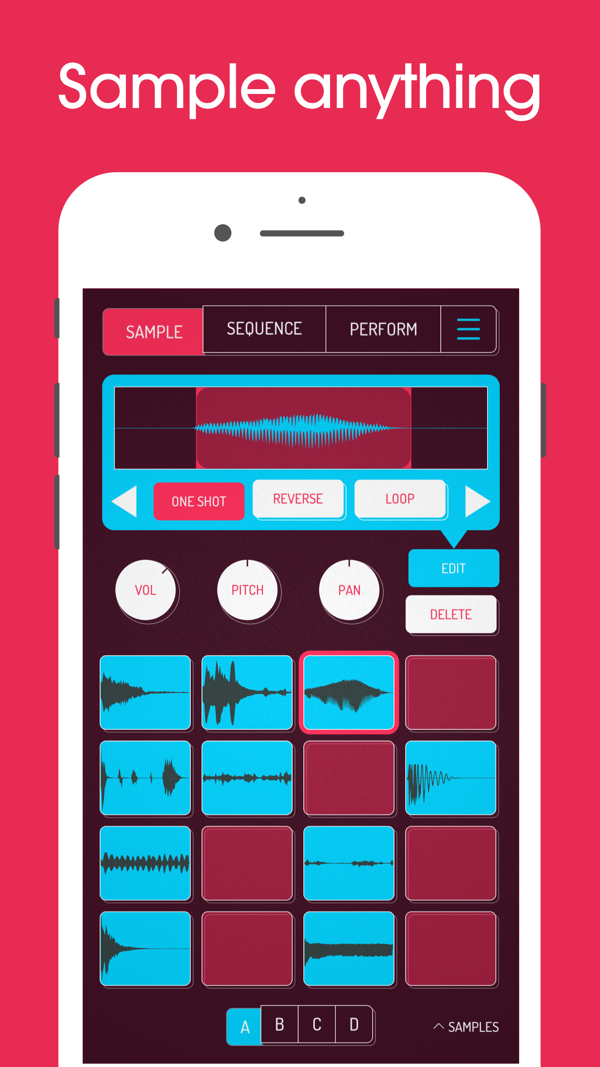
Koala is where field recordings turn into music. Record straight from the mic or import a take, chop it across the pads, add effects, and play it. A door slam becomes a kick drum, and a recording of a station becomes a loop.
App Store: Koala Sampler